Bulk Adding Users
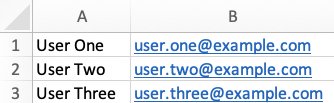
You can add multiple users by copying and pasting them from a spreadsheet. For example, suppose your spreadsheet contains the following data:
To import the data into Aerofiler, highlight the relevant cells:
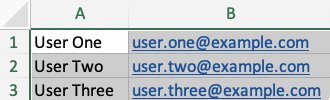
and copy the data. In Aerofiler, click "Bulk Add" and paste your data. Click "Toggle Preview" to view the fields detected by Aerofiler:
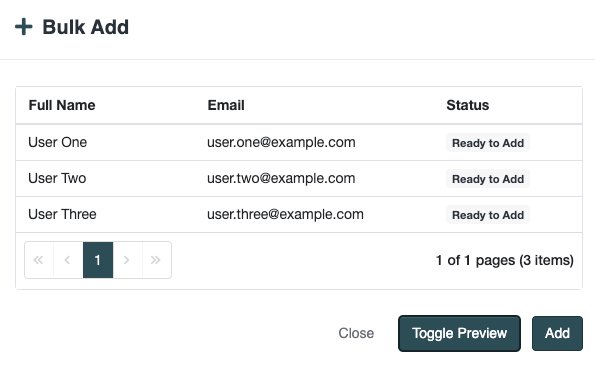
If you need to make any amendments, you can do so by clicking "Toggle Preview". Once the data is correct, click "Add".
Last updated